Import images
Choose a photo folder or open a saved project. Desktop and CLI can also prepare frames from video.


Could not save the language. Check your cookie settings and try again.
Animal Detector finds animals in wildlife-camera images and assigns a species or broader category according to the model used.
Review the results and prepare them for further work. In the portal, connect them with sites, time information, and shared projects.
Web app without installation, within the free Start allowance. Working with a folder requires a supported browser.
For projects, uploaded results, and analyses. Requires a user account.
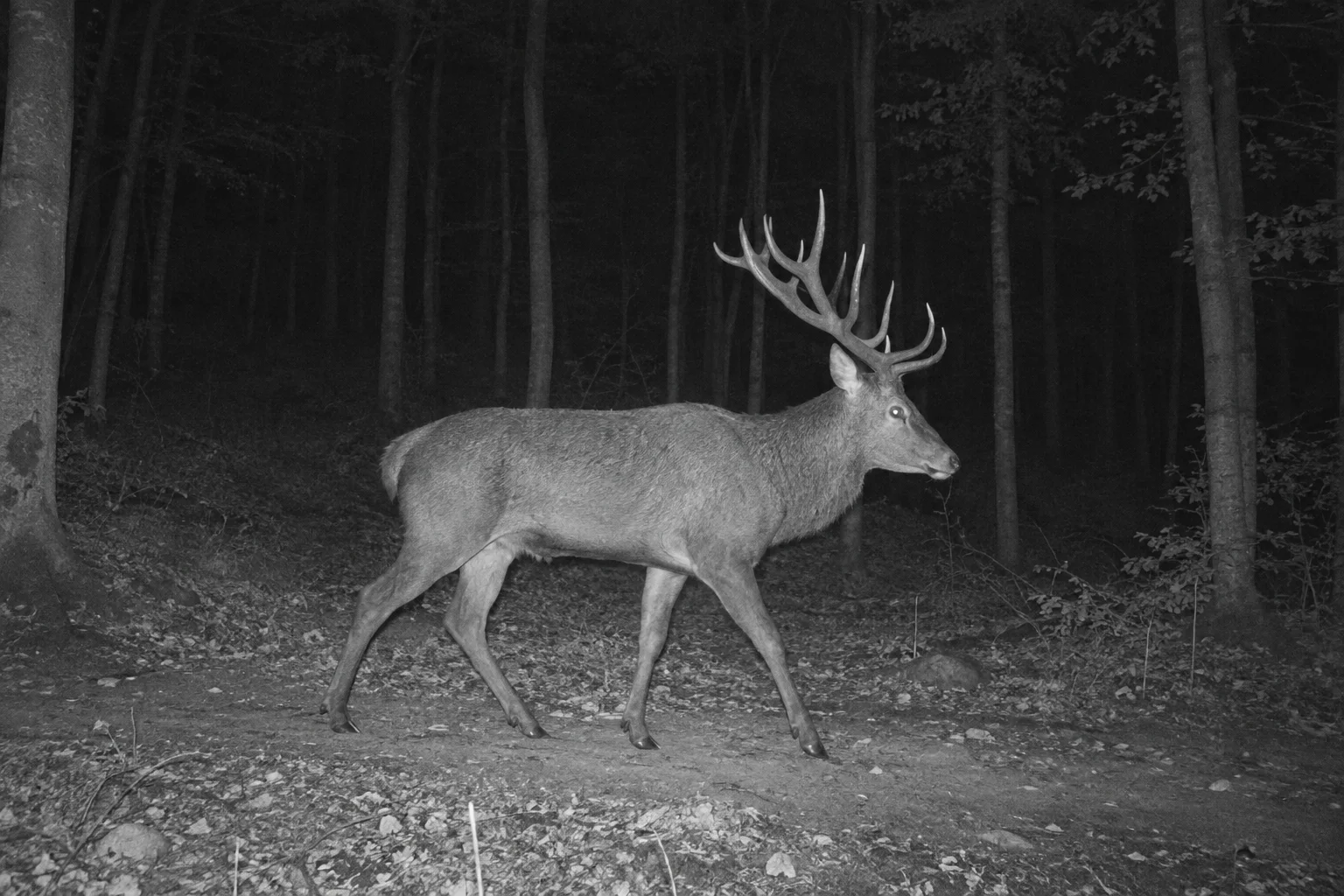
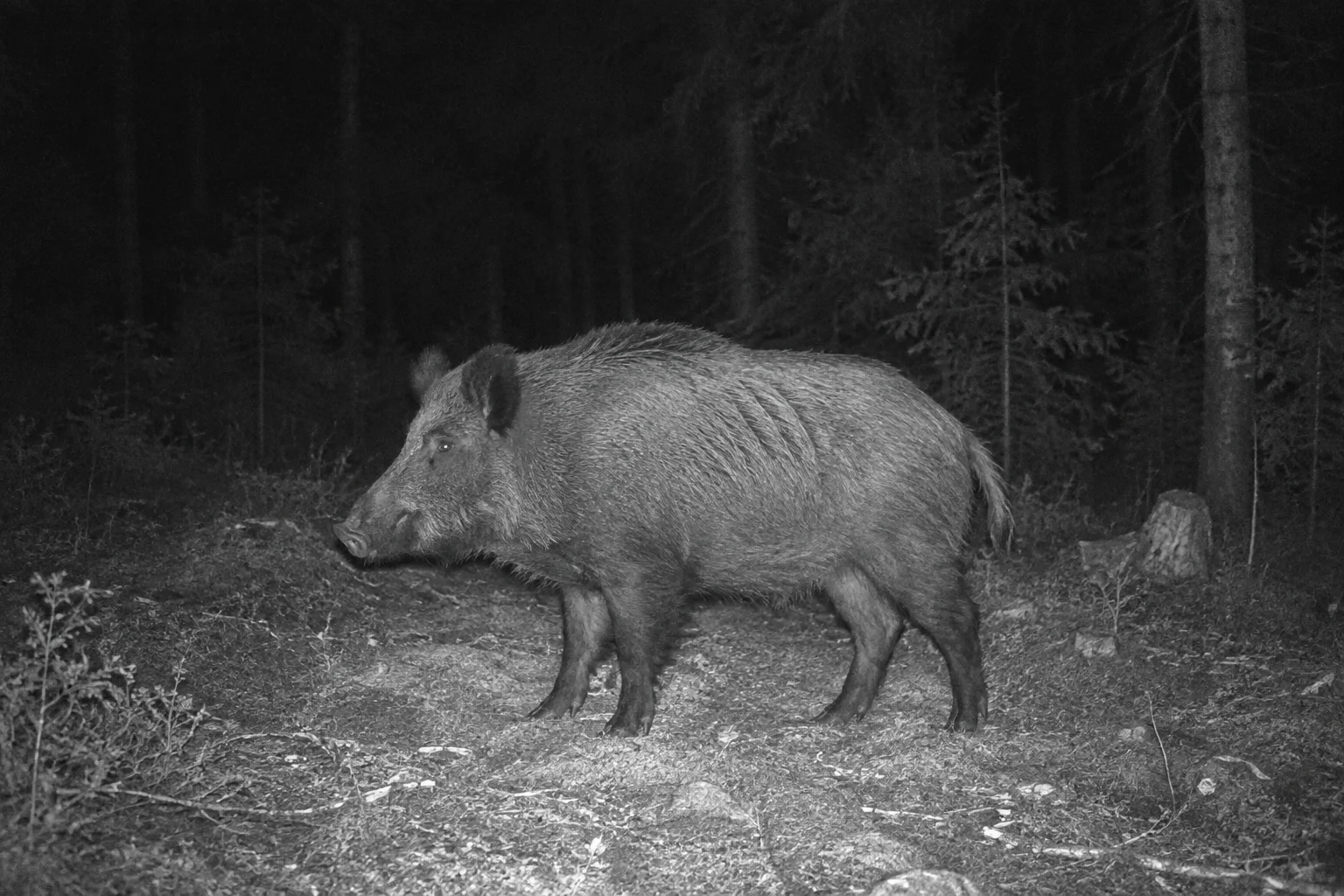
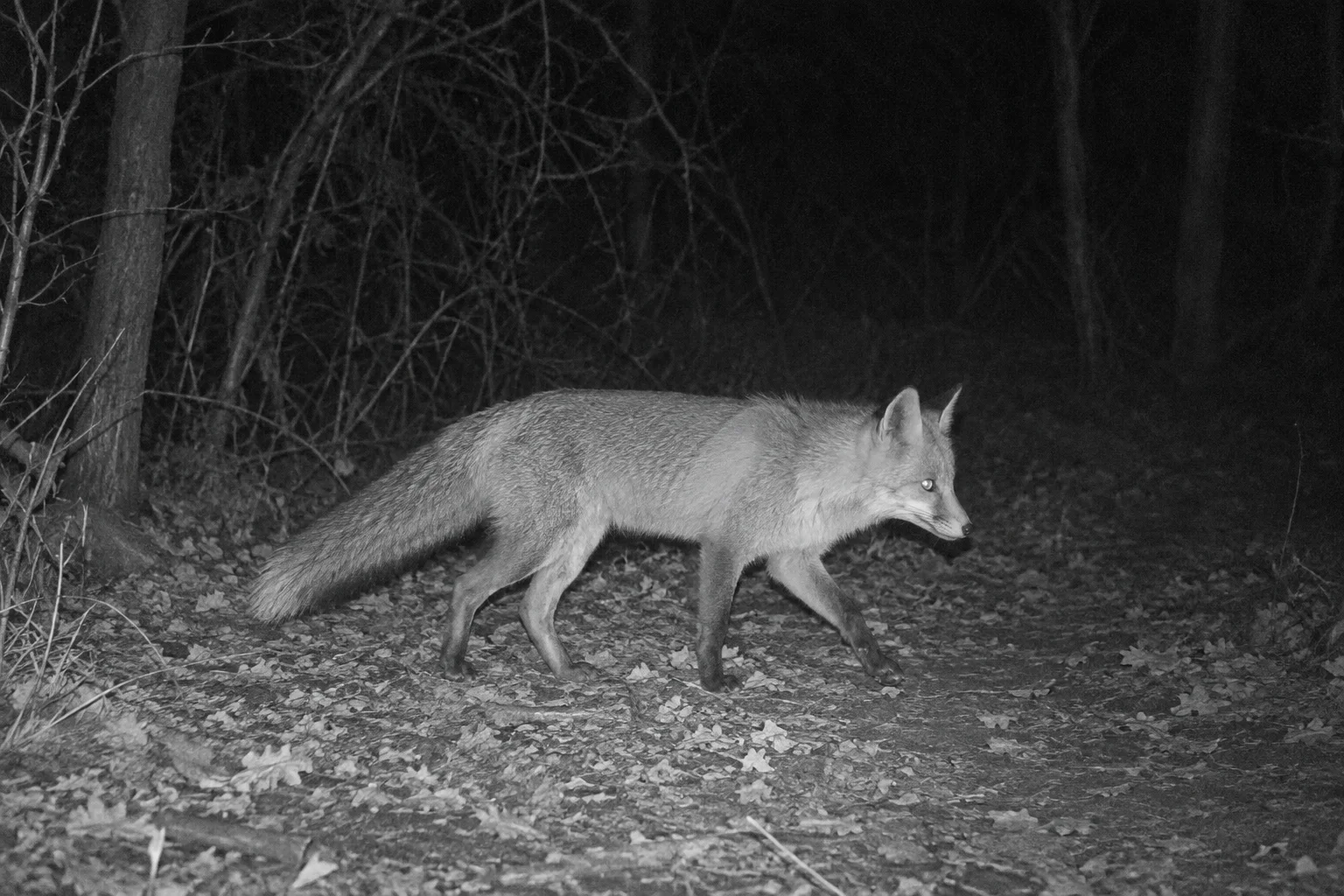
AI-generated illustrative night images of a red deer, a wild boar, and a red fox. The detections and their values are sample data.
Portal demonstration · sample data and AI-generated images
Evaluate images in the web app, Desktop, or CLI. Continue with saved results by exporting data or uploading results to the portal.
Choose a photo folder or open a saved project. Desktop and CLI can also prepare frames from video.
The model marks detected objects and assigns available categories. Processing runs on your device or through an available server service.
Inspect images and verify the assigned species. With the appropriate licence, edit detections and review consecutive images in time sequences.
Save the project for further work. Export data or upload results to the portal according to your licence and application.
Inspect detected objects in the photo and compare their assigned category with the image. Model confidence helps with review; it does not guarantee a correct identification. Manual and bulk edits depend on your licence.
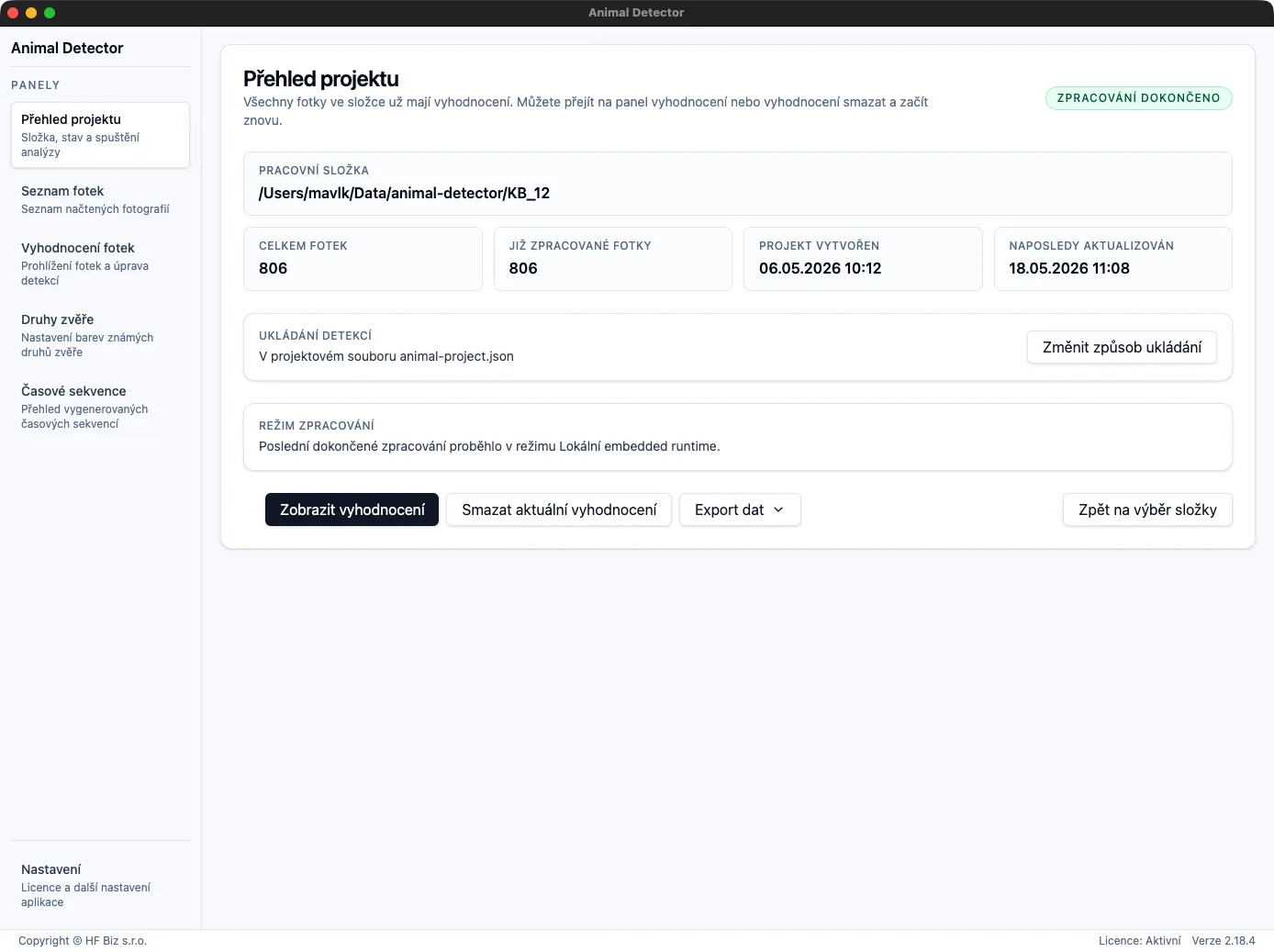
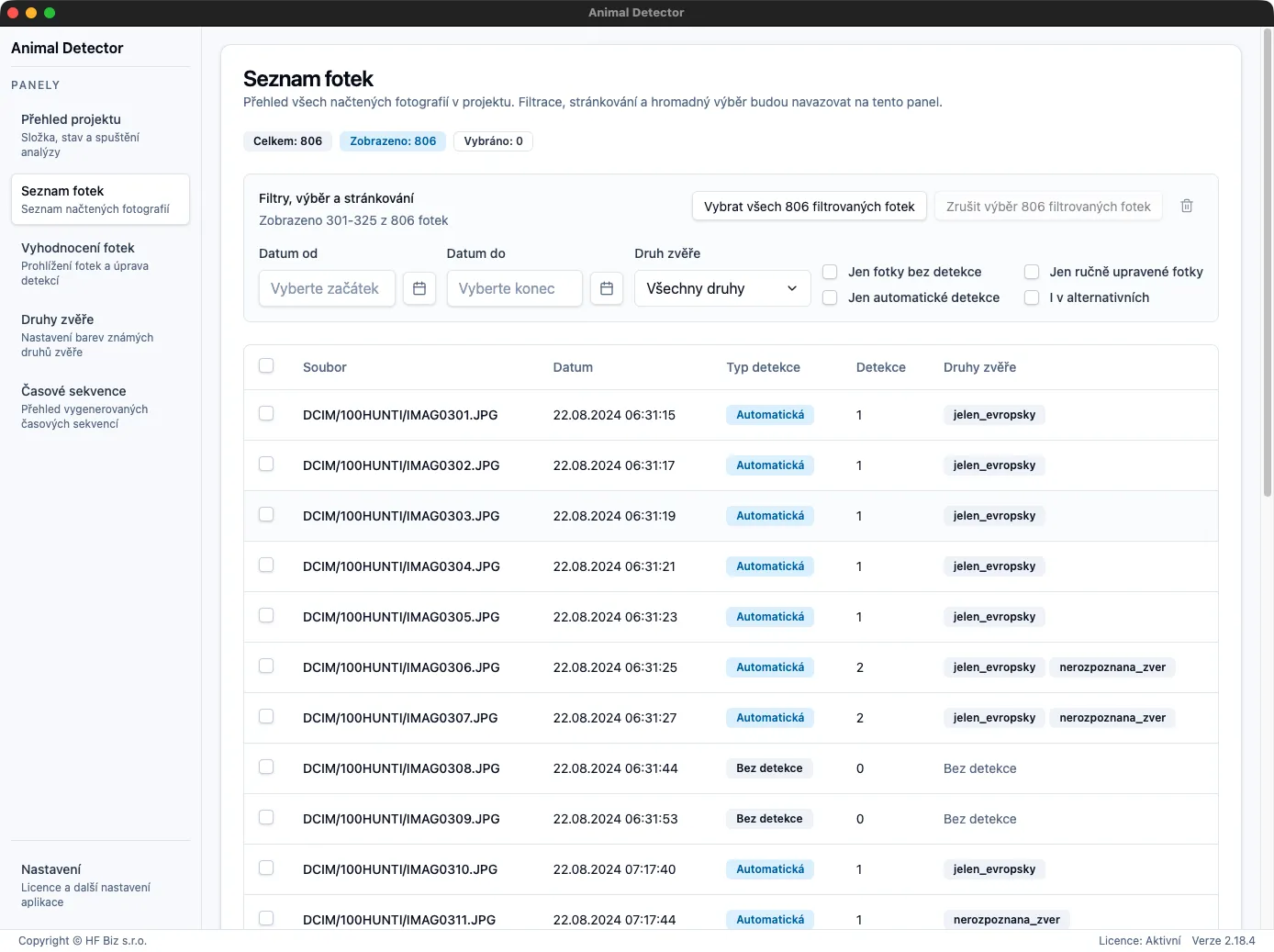
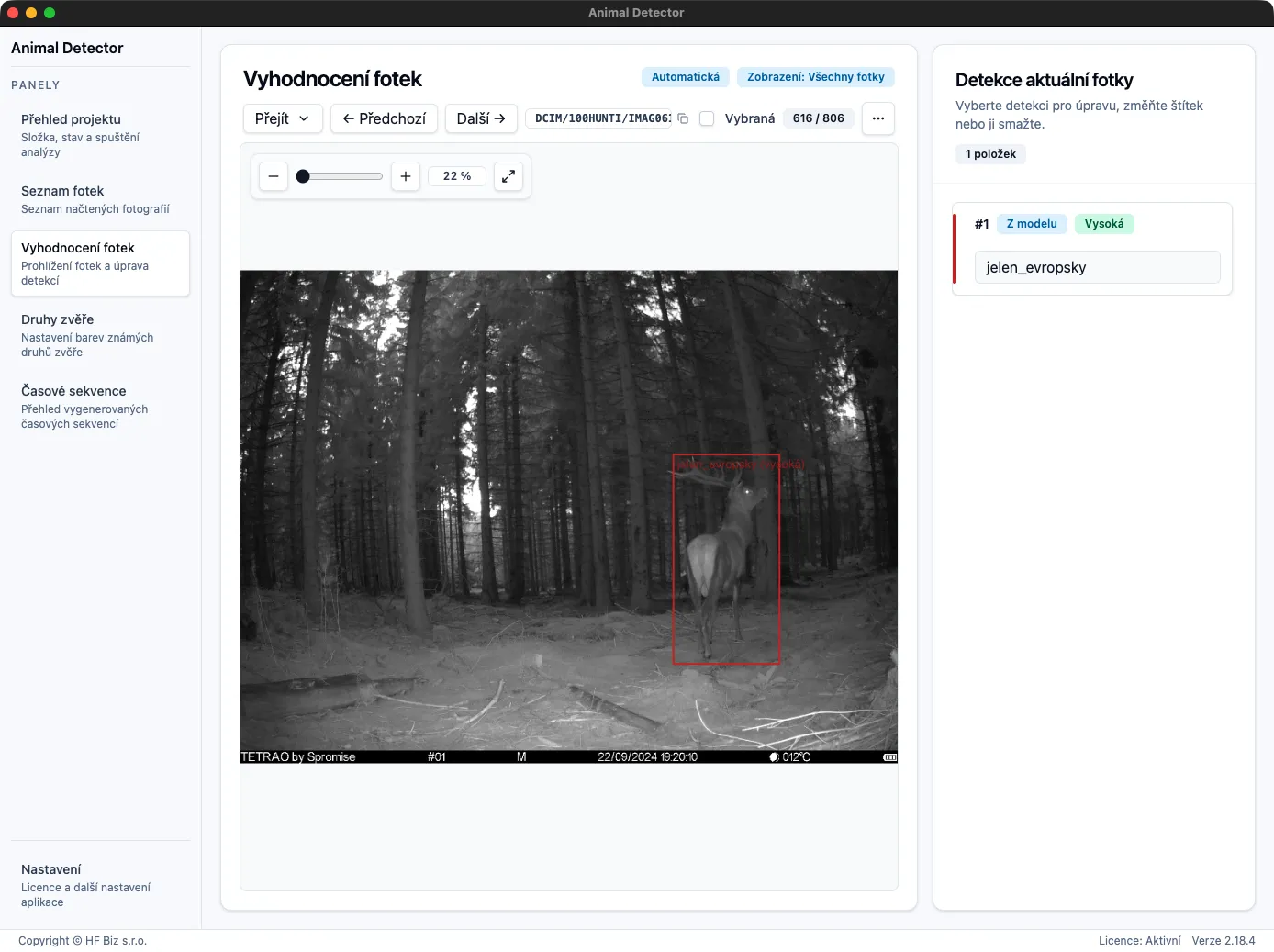
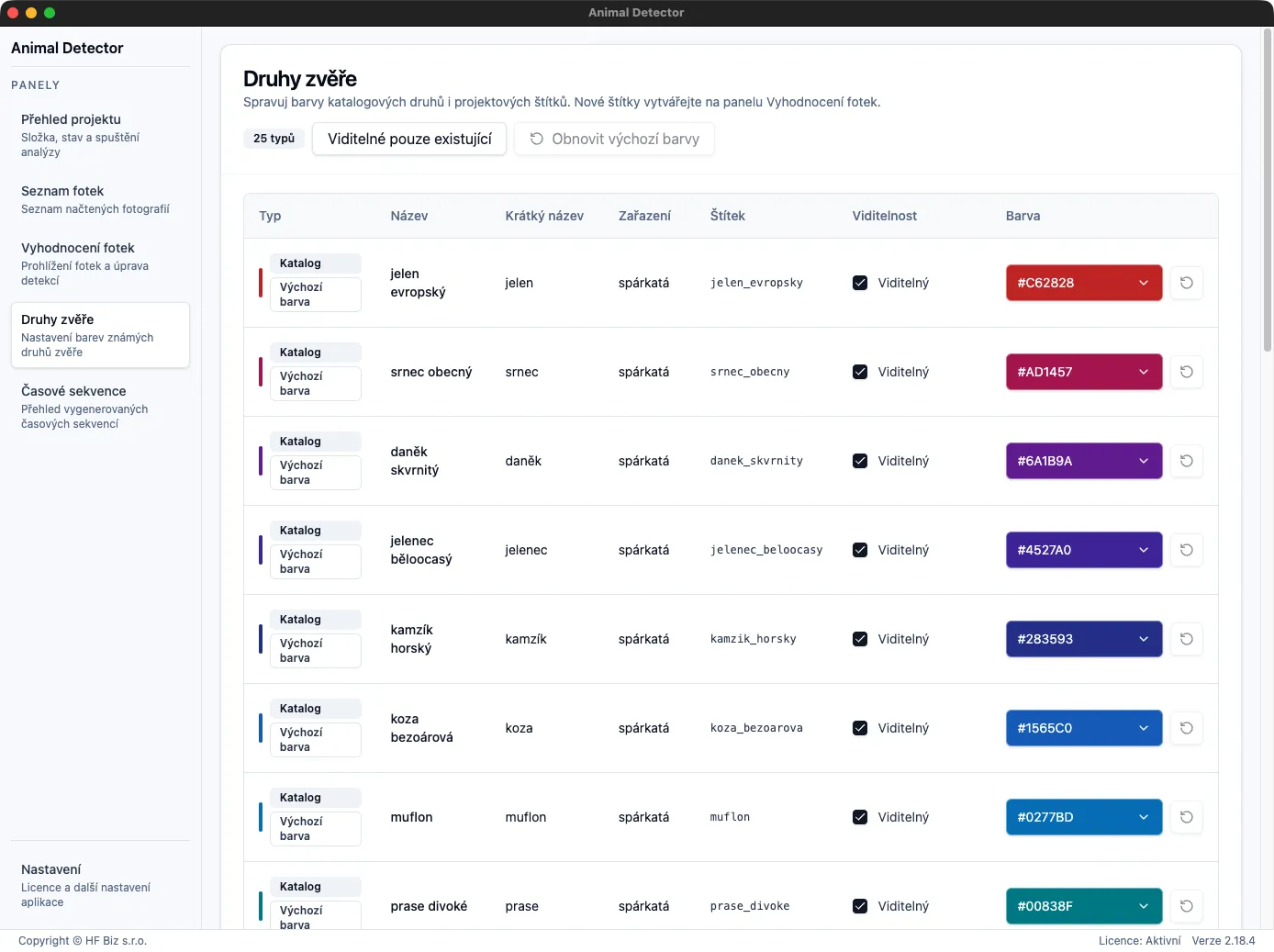
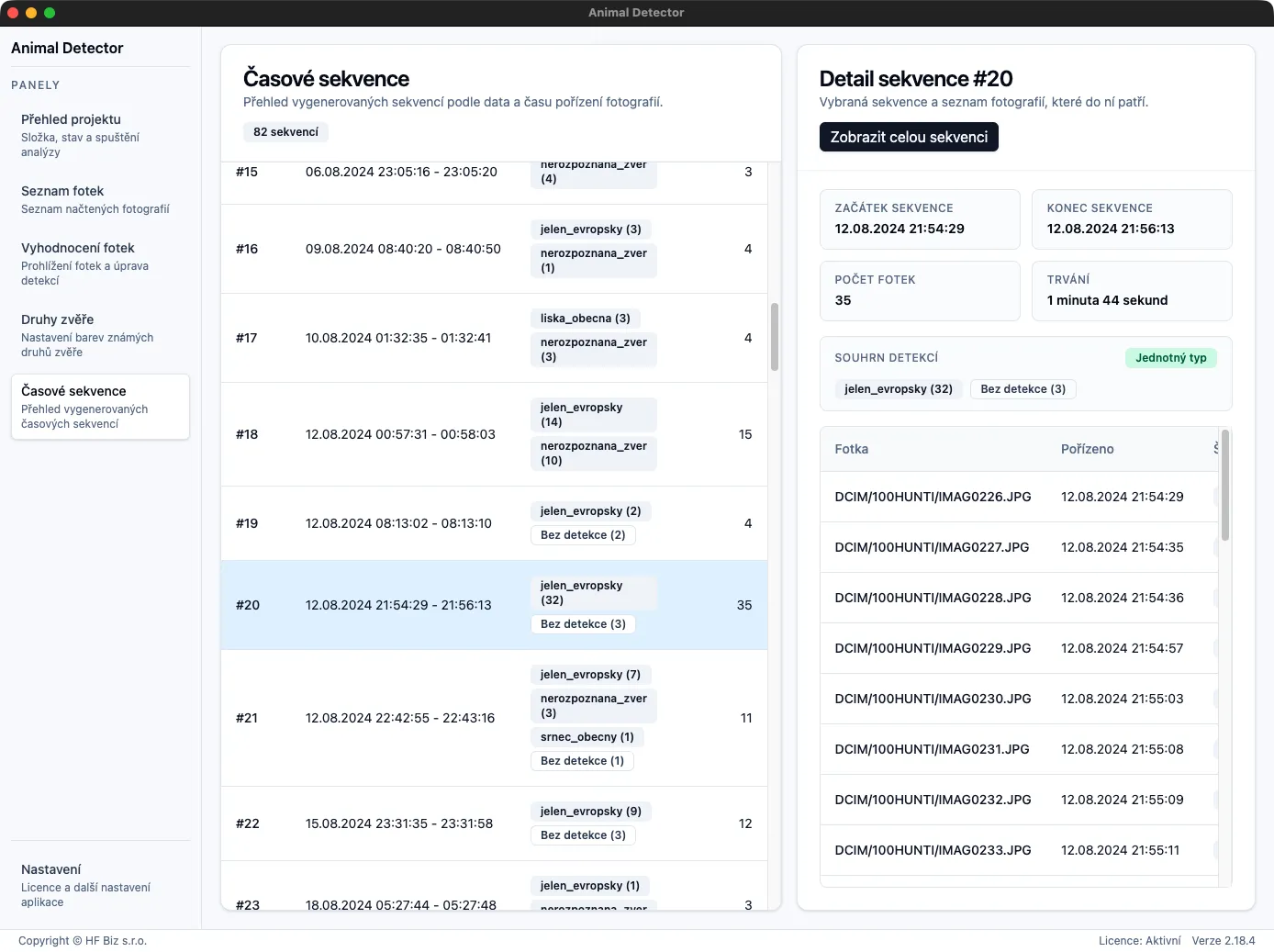
Sequence evaluation and editing options depend on your licence. Recognized species and categories depend on the model used.
The portal works with uploaded results. Organize them by project, site, and import, browse records on a map, and share data with colleagues according to their roles.
Open portalAfter signing in, continue in projects you have access to.
Connect results to sites and keep track of individual imports.
Filter photos by available information and browse evaluation results and uploaded time sequences.
Invite colleagues and assign access by project role. Work with shared results and their context.
Registration provides portal access. Uploading results from the application requires a licence that enables this feature. Account registration and licence activation are separate steps. Licence options
Portal analyses turn uploaded results into charts and summaries. Select data and explore recorded categories and capture times.
Sample data · Three illustrative photos from the portal demonstration. Each contains one detection and forms a separate sequence.
Compare the number of photos containing each species. One photo may contain several species.
Explore the hours when detections of each species were recorded. The chart combines records across the selected period.
Compare the number of sequences containing each species. Review consecutive photos as a group.
Photo, detection, and sequence counts describe the selected records. They do not represent unique animals or population size.
Web, Desktop, and CLI evaluate images. The portal continues with project management and analyses of uploaded results.
Web application
Try photo evaluation without installation. You need a browser supporting local folder access and permission to use that folder.
Launch web appDesktop
Process photos and prepare frames from video. Continue with saved projects and use review tools according to your licence.
Download DesktopCLI
Integrate photo evaluation and video frame preparation into your workflows.
Download CLIAvailable packages for supported platforms.
Local processing requires an available model for your device. Server processing sends images for remote evaluation. Options depend on the application, configuration, and licence.
Use CSV for tabular analysis. Desktop and CLI also support per-photo detection exports to JSON. Individual export formats depend on your licence.
Start allows up to 100 photos in one import. The limit applies per import, not per month or in total.
The web app requires the File System Access API, for example in desktop Chrome or Edge. Grant folder access when opening a project; saving results also requires write access. This requirement applies to the web app, not ordinary website or portal browsing.
Local inference processes images on your device. Remote inference sends images to the selected server service. Running an app in a browser does not by itself mean local inference.
You start portal upload separately. Results can include optional thumbnails with a longest side of up to 256 pixels. Keep original photos in your own storage.
Start with free evaluation. Choose an appropriate licence for regular work, result edits, exports, and portal uploads. We agree scope and pricing according to your needs.
Opens the web app within the free Start allowance.
Your portal account and licence serve different purposes. Registration enables portal access; an activated licence determines available application features. Validity, processing allowance, and other terms are confirmed in the offer.
Try the web app within Start without signing in to the portal. A portal account is needed for portal work; activate a paid licence separately in the application.
Recognized species and broader categories depend on the model. Results may be incorrect or less specific, so review them before further use.
Desktop and CLI prepare frames from video for evaluation. The web app works with photos and previously prepared video frames; it does not convert the video itself.
It depends on processing. A local model processes images on your device. Remote inference sends images to a server service. Separate portal upload sends results and optional small thumbnails.
It depends on processing and licence verification. Server inference and portal work require a network connection. Local inference runs on your device but does not by itself guarantee all licensed features without internet access.
The portal works with results and optional small thumbnails. Back up original photographs in your own storage.
The same animal may be recorded repeatedly. Photo, detection, and sequence counts do not represent unique individuals. Tracking within one sequence does not establish identity across other sequences.
Try evaluation in the web app, choose Desktop or CLI for your workflow, or continue with uploaded results in the portal.
Web app without installation, within Start.
Available packages for supported platforms.
Projects and results available to your account.
We agree features and processing scope according to your needs.